How to Get App Reviews in Slack
March 17, 2026
TL;DR
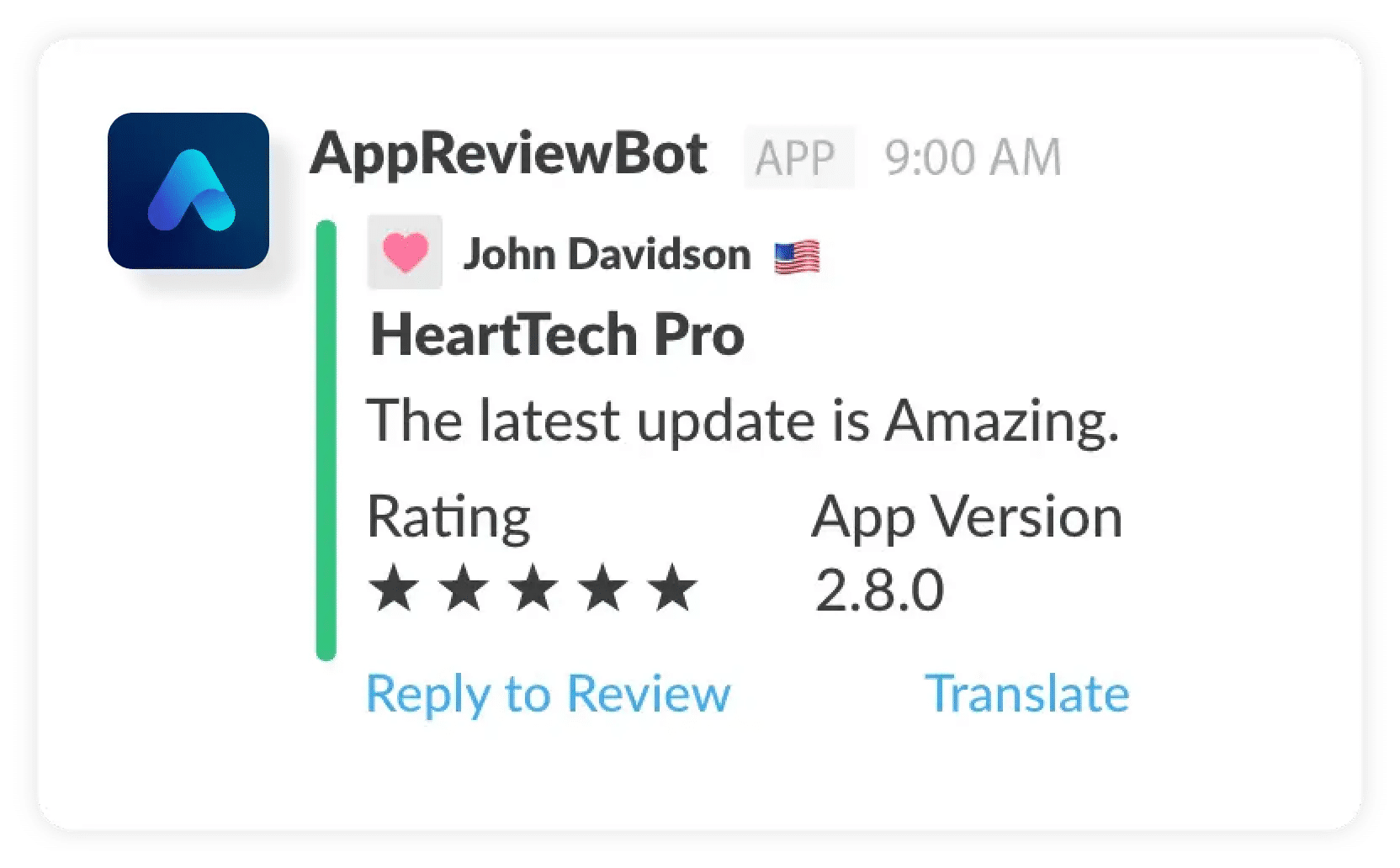
To get app reviews in Slack, connect your app stores to AppReviewBot, choose a Slack destination, and create filters for the reviews that matter most.
That gives your team:
- real-time notifications for new reviews
- shared visibility into low-star feedback
- a faster path from review to action
If you want the landing-page version first, visit App Reviews in Slack.
Why teams send app reviews to Slack
Slack is where product, support, engineering, and growth teams already coordinate work. When app reviews land there automatically, feedback becomes visible in the flow of work instead of sitting in a separate console.
That matters for three reasons:
- negative reviews get seen sooner
- cross-functional follow-up happens in one thread
- recurring issues become obvious faster
Step 1: choose the right channel structure
Most teams do best with at least two channels:
- #app-reviews for all incoming feedback
- #app-reviews-critical for 1-star, 2-star, or keyword-triggered reviews
This prevents alert fatigue while still keeping everyone connected to customer voice.
Step 2: route only the reviews that matter
A good Slack workflow is not just "send every review into one room."
Set up filters for:
- star ratings below a chosen threshold
- keywords like
crash,refund,billing,login - different apps or regions
- different owners or functional teams
That routing is what turns a notification feed into a useful operating system.
Step 3: add response and escalation habits
Once reviews are in Slack, decide what happens next.
For example:
- support owns billing and account issues
- product owns recurring UX and feature requests
- engineering is looped in on crash and login spikes
Create simple response SLAs for negative reviews so the alert actually leads to action.
Common Slack workflows that work well
Product team workflow
Use Slack notifications to spot repeated requests or friction points. This pairs well with our article on why product teams need app review alerts.
Support workflow
Send account, billing, and reliability complaints to a dedicated support channel.
Release-monitoring workflow
After each release, watch for review spikes tied to bugs or regressions.
Why AppReviewBot works well for Slack
AppReviewBot is built around the idea that reviews should show up where teams already work. Instead of forcing your team into a dashboard-first workflow, it makes Slack the operating surface.
If you are comparing options, the AppFollow alternative and Appfigures alternative pages explain where a focused alerting workflow can be a better fit.
FAQ
How fast do app reviews appear in Slack? Most teams see new reviews within minutes after they are published by the store.
Can I send only negative reviews to Slack? Yes. You can route by rating, keywords, app, and destination.
Does this work for Google Play too? Yes. For Android-specific tactics, read the Play Store Review Notifications Guide next.
Next steps
- Open the Slack integration page
- Read How to Monitor App Store Reviews in 2026
- Compare pricing and start a trial